How to Optimise Your Website for Google
If you want more people to find your website through Google, you need to make it easy for search engines to understand your pages and useful for visitors to use them. Search engine optimisation (SEO) is the process of improving your website’s visibility in unpaid search results. It takes time, but a clear, consistent approach can help attract relevant visitors and support your business goals.
Start with your audience
Before changing your website, consider what your potential customers are looking for. Think about the questions they ask, the problems they need to solve and the words they might use when searching online. These insights can guide your content and help you focus on searches that are relevant to your products or services.
Use keyword research tools and Google’s search results to explore common topics and related searches. Choose a main topic for each page rather than trying to target every possible phrase at once.
Create helpful, original content
Google aims to show people results that are useful and relevant to their searches. Write for your readers first: answer their questions clearly, provide accurate information and include details that make your page genuinely useful.
- Give each important page a clear purpose.
- Use headings to organise the information.
- Include relevant search terms naturally, without repeating them unnecessarily.
- Keep information accurate and update pages when details change.
- Avoid copying content from other websites.
There is no ideal word count for every page. Include enough detail to meet the visitor’s needs, but do not add filler simply to make an article longer.
Improve page titles and descriptions
Each page should have a unique, descriptive title. The title helps people and search engines understand what the page is about, and it may appear as the clickable heading in Google’s results.
Write a concise meta description that summarises the page and encourages the right visitor to click. Google may choose to display different text from your page, so make sure the page itself also explains its purpose clearly.
Make your website easy to navigate
Organise your pages in a logical way, with clear navigation and useful internal links. A visitor should be able to find important information without having to hunt for it. Internal links also help search engines discover related pages on your site.
Use descriptive link text. For example, “view our delivery information” tells readers more than “click here”. Check regularly for broken links and pages that are difficult to reach from the rest of your website.
Check your website’s technical foundations
A technically sound website is easier for search engines to access and for people to use. Check that:
- Your important pages can be crawled and indexed.
- Your website uses HTTPS.
- Your sitemap is up to date and submitted through Google Search Console.
- Your robots.txt file is not accidentally blocking important pages.
- Your website works well on mobile devices.
- Pages load reliably and do not contain unnecessary technical errors.
Google Search Console can help you identify indexing issues, review search performance and see whether Google has encountered problems with your site.
Improve speed and mobile usability
Visitors expect websites to work smoothly on phones, tablets and computers. Use a responsive design, make text easy to read and ensure buttons and links are simple to tap. Compress large images and remove scripts or features that slow pages down unnecessarily.
Google’s PageSpeed Insights can provide suggestions for improving performance. Prioritise changes that make a noticeable difference to real users, rather than focusing only on achieving a perfect score.
Use images thoughtfully
Images can make a page clearer and more engaging. Give image files sensible names and write descriptive alternative text when an image conveys useful information. Alternative text supports visitors using assistive technology and helps explain the image’s purpose. For decorative images, avoid adding unnecessary descriptions.
Use appropriately sized image files so they do not slow down your pages.
Build trust and credibility
Make it clear who is behind your website and how visitors can contact you. If you provide advice, products or services, include accurate details about your experience, policies and business. Keep important information, such as pricing, opening hours and contact details, current.
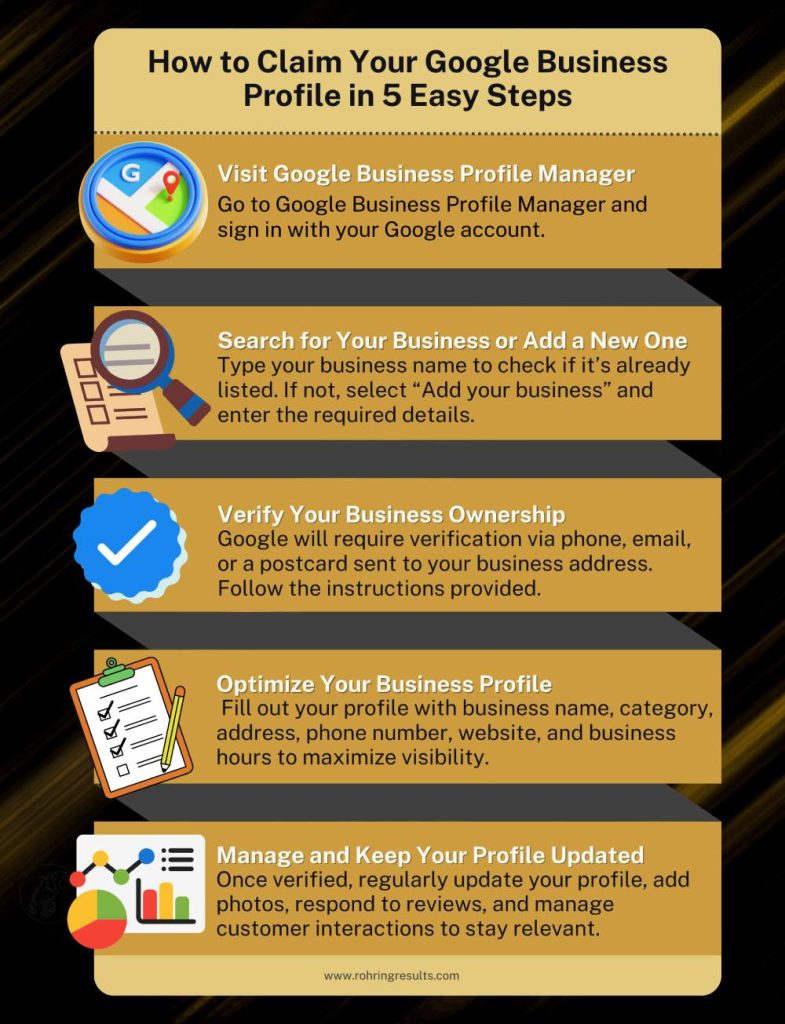
For businesses serving a particular area, create or update your Google Business Profile and keep its details consistent with those on your website. Add relevant local information to your site where it genuinely helps customers.
Earn relevant links naturally
Links from other reputable websites can help people discover your content and may contribute to your site’s visibility. Focus on creating resources, products or information that others have a genuine reason to reference. You might also build relationships with relevant organisations, suppliers or local groups.
Avoid buying links or using schemes designed to manipulate rankings. These tactics can put your website at risk and are unlikely to create lasting value.
Measure your progress
SEO is an ongoing process. Use Google Search Console to see which searches bring people to your site, which pages receive impressions and where technical issues may exist. Analytics tools can help you understand what visitors do after arriving.
Look beyond rankings alone. Consider whether your organic traffic is becoming more relevant and whether visitors are taking useful actions, such as making an enquiry, booking an appointment or completing a purchase.
How long does optimisation take?
There is no guaranteed timeframe or position in Google’s results. Changes can take time to be crawled and reflected, and results depend on factors such as your website, competitors, industry and the quality of your content. Make improvements steadily, monitor their impact and avoid anyone promising guaranteed rankings.
Make SEO part of your routine
To optimise your website for Google, focus on clear information, useful content, a good visitor experience and sound technical foundations. Review your most important pages regularly, fix issues as they arise and use performance data to decide what to improve next. Consistent, user-focused work is a stronger long-term strategy than quick fixes.
Top 6 FAQs on Optimising Your Website for Google Search
- How do I optimise my website for Google?
- How long does it take for Google to rank my website?
- How can I improve my website’s ranking on Google?
- What keywords should I use to optimise my website?
- How do I make my website appear in Google search results?
- Can I optimise my website for Google without hiring an SEO agency?
How do I optimise my website for Google?
To optimise your website for Google, create useful, original content that answers the questions your audience is searching for, and use relevant search terms naturally in page titles, headings and text. Make sure your site is easy to navigate, works well on mobile, loads quickly and can be crawled and indexed by Google. Use Google Search Console to monitor performance and identify technical issues, then keep improving your pages based on what visitors need. SEO takes time, so focus on steady improvements rather than guaranteed rankings or quick fixes.
How long does it take for Google to rank my website?
There’s no fixed timeframe for Google to rank a website. It may take weeks or months for Google to discover, crawl and assess new or updated pages, and visibility depends on factors such as your site’s technical health, content quality, competition and the search terms you’re targeting. Focus on publishing useful content and improving your website consistently; no one can guarantee a particular ranking or a specific date.
How can I improve my website’s ranking on Google?
To improve your website’s ranking on Google, create useful, original content that answers your audience’s questions, and make each page clear and easy to navigate. Use relevant search terms naturally in page titles, headings and copy, ensure your site works well on mobile and loads quickly, and fix technical issues that may prevent Google from finding or indexing your pages. Build trust with accurate, up-to-date information and earn relevant links by providing content worth sharing. Track performance in Google Search Console and refine your approach over time; rankings can take time to change, and no one can guarantee a particular position.
What keywords should I use to optimise my website?
Choose keywords that reflect what your audience is searching for and the products, services or information you provide. Use keyword research tools and Google’s search results to find relevant terms, including specific phrases that show clear intent, such as “emergency plumber in Bristol” rather than just “plumber”. Focus each page on one main topic, include related wording naturally in useful content, headings and page titles, and avoid keyword stuffing.
How do I make my website appear in Google search results?
To help your website appear in Google search results, make sure it is publicly accessible and not blocked from search engines by your robots.txt file or page settings. Create useful, original content with clear page titles and descriptive headings, and link your pages together so Google can discover them. You can submit a sitemap and check for indexing issues using Google Search Console. Being indexed does not guarantee a particular ranking, and it may take time for Google to find and include new or updated pages.
Can I optimise my website for Google without hiring an SEO agency?
Yes, you can optimise your website for Google without hiring an SEO agency. Start by publishing helpful, original content, using clear page titles and headings, making your site mobile-friendly and improving its loading speed. Free tools such as Google Search Console can help you monitor performance and spot technical issues. SEO takes time, so review your results regularly and make improvements as you go. An agency may be useful if you need specialist expertise or do not have the time to manage it yourself, but it is not essential.