Website Analysis Online Free: How to Check Your Website’s Performance
A website analysis can show how well your site works, how easily people can find it and where there may be room to improve. You do not necessarily need a paid subscription to get started. A range of free online tools can help you review performance, search visibility, mobile usability, accessibility and security.
This guide explains what a free website analysis can cover, which tools to consider and how to turn the results into practical improvements.
What is a website analysis?
A website analysis is a review of the factors that affect your website’s performance and usefulness. Depending on the tool, it may check:
- Loading speed: how quickly pages appear and respond.
- Mobile usability: whether the site is easy to use on smaller screens.
- Search engine optimisation (SEO): page titles, headings, links and other signals that help search engines understand your content.
- Technical health: broken links, crawlability, indexing and page errors.
- Accessibility: how easily people with different needs can use the site.
- Security: whether your site uses HTTPS and has obvious security issues.
- User experience: how clear the layout, navigation and calls to action are.
No single free checker assesses every part of a website. For a useful overview, combine a few tools with a manual review of your most important pages.
Free online tools for website analysis
Google PageSpeed Insights
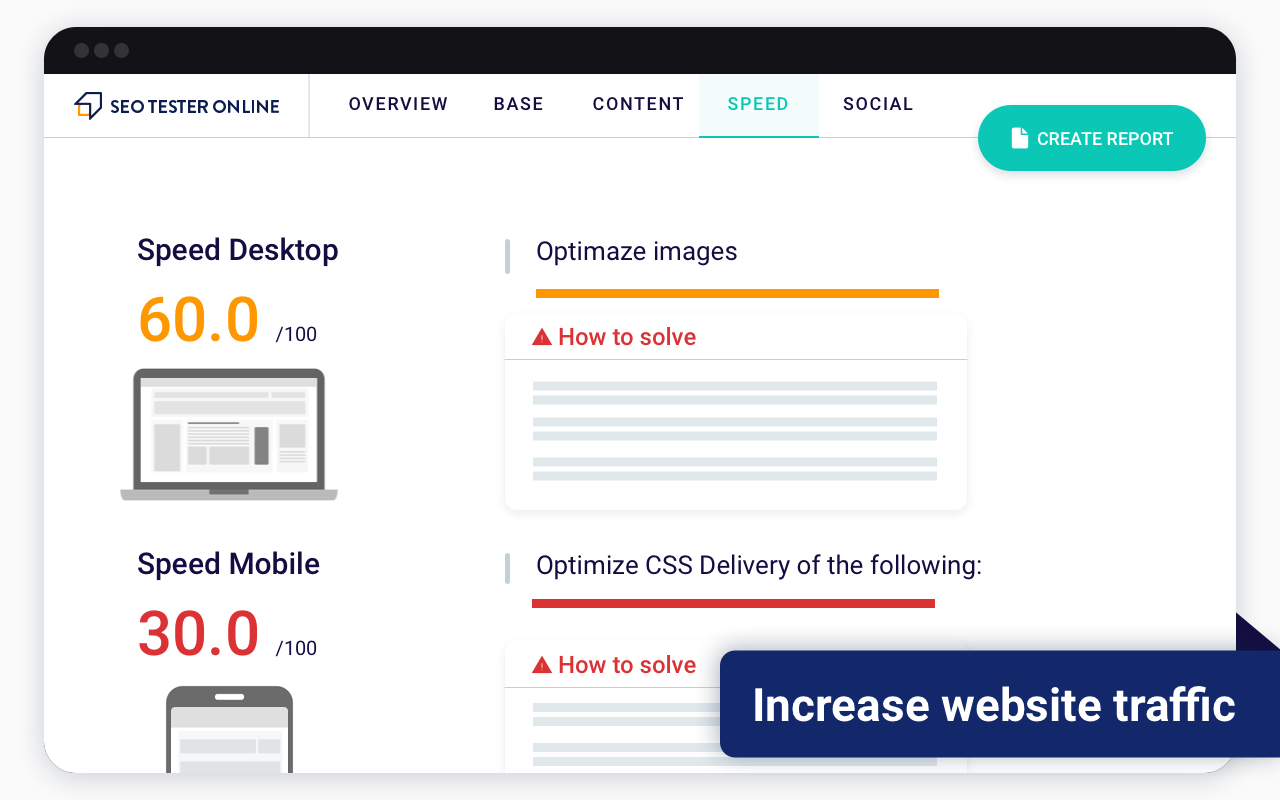
Google PageSpeed Insights analyses a page’s loading performance on mobile and desktop. It reports on Core Web Vitals and offers suggestions that may help improve the experience, such as optimising images or reducing unnecessary code. Test key pages individually, as a homepage score may not reflect the performance of the whole site.
Google Search Console
Search Console is a free service for website owners. It provides information about how a site appears in Google Search, including search queries, impressions, clicks, indexing and some technical issues. It is particularly useful for monitoring performance over time, although the data is not always immediate.
Bing Webmaster Tools
Bing Webmaster Tools offers search performance information and site diagnostics for Bing. It can complement other search tools and help identify issues affecting how pages are discovered or understood.
Web.dev tools
Web.dev provides guidance and tools for assessing aspects of web performance, accessibility, security and best practice. Its reports can help you understand technical recommendations, though some improvements may require a developer.
Accessibility checkers
Free browser extensions and online checkers can flag potential accessibility problems, such as missing image descriptions or low colour contrast. Automated checks are a useful starting point, but they cannot identify every barrier. Keyboard testing and review by people with different access needs can reveal issues that software misses.
How to analyse a website for free
- Choose your key pages. Start with the homepage, main service or product pages, contact page and any pages that bring in search traffic.
- Check mobile and desktop performance. Run speed tests on both where possible, then view the pages on a real mobile device.
- Review search visibility. Use Search Console or Bing Webmaster Tools to look for indexing problems, declining clicks or pages that receive impressions but few visits.
- Check basic on-page SEO. Make sure each important page has a clear title, a useful main heading, descriptive content and relevant internal links.
- Test navigation and forms. Follow the main user journeys. Check that menus, contact forms, booking steps and purchase processes work as intended.
- Look for broken links and errors. Check important links manually or use a crawler with a free tier. Review any errors before making changes.
- Prioritise the findings. Address issues that affect visitors or prevent search engines from accessing important pages before focusing on minor score improvements.
What should you look for in the results?
A report may contain a long list of warnings, but not every recommendation has the same impact. Focus first on problems that block users or search engines, including:
- pages that cannot be indexed despite being intended for search;
- slow or unresponsive pages, particularly on mobile;
- broken links or important pages returning errors;
- unclear navigation or difficult-to-use forms;
- missing or misleading page titles and headings;
- images that are unnecessarily large or lack suitable alternative text;
- pages with outdated, thin or duplicated content.
Use tool scores as indicators, not as the sole measure of success. A high score does not guarantee that a page meets your visitors’ needs, and a lower score does not automatically mean that the page will perform poorly in search results.
Limitations of free website analysis tools
Free tools are useful for finding common issues, but they have limitations. Some only test one URL at a time, restrict how many pages you can crawl or provide a simplified view of the data. Automated reports can also produce recommendations that need context before implementation.
For example, changing a script to improve a speed score might affect a form or tracking feature. Removing content to reduce page length could make a page less helpful. Before making significant changes, understand what the recommendation is intended to fix and test the result afterwards.
How often should you analyse your website?
Review your site after major redesigns, platform changes or new campaigns, and check important metrics regularly. A monthly review is a practical starting point for many small businesses. More frequent monitoring may be useful for large websites or online shops where technical problems can affect sales.
Keep a record of key findings and changes. This makes it easier to see whether an update improved performance, caused a problem or had no meaningful effect.
Start with a clear, manageable review
A free online website analysis can help you identify issues and opportunities without a large budget. Begin with a handful of important pages, use reputable tools and focus on changes that make the site faster, clearer and more useful for visitors. Regular checks, paired with thoughtful human review, are more valuable than chasing a perfect score from a single test.
Enhance Your Website: 8 Free Online Tools for Effective Analysis
- Identify website issues quickly.
- Improve page loading speed.
- Check mobile usability.
- Spot basic SEO opportunities.
- Find broken links and errors.
- Review accessibility concerns.
- Monitor search visibility.
- Get started without a paid subscription.
Limitations of Free Online Website Analysis Tools: Understanding the Drawbacks
- Free tools may offer limited features.
- Some results can be inaccurate or incomplete.
- Reports may include confusing technical jargon.
- Analysis may cover only a few pages.
- Recommendations can lack useful context.
Identify website issues quickly.
Free online website analysis tools can help you identify website issues quickly by scanning pages for problems such as broken links, slow loading times, missing page titles and mobile usability concerns. Instead of checking every detail manually, you can get an initial overview in minutes and decide which fixes to prioritise. Regular checks also make it easier to spot new issues before they have a bigger impact on visitors or your site’s performance.
Improve page loading speed.
Free online website analysis tools can help identify what is slowing your pages down, such as oversized images, unnecessary scripts or server response delays. By following the recommendations and retesting your site, you can improve loading speed and make pages more responsive. Faster pages create a smoother experience for visitors, particularly on mobile devices, and can help reduce the number of people who leave before the content loads.
Check mobile usability.
Free online website analysis tools can help you check how easily visitors use your site on mobile devices. They may highlight issues such as text that is difficult to read, buttons that are too close together, content that does not fit the screen or pages that load slowly. Fixing these problems can make your website more comfortable to use on smartphones and tablets, helping visitors find information and complete tasks with less frustration.
Spot basic SEO opportunities.
Free online website analysis tools can help you spot basic SEO opportunities, such as missing page titles, unclear headings, broken links or pages that are not being indexed. They may also highlight content that could be improved to better match what people are searching for. Use these findings as a starting point: check each recommendation in context and prioritise changes that make your pages more useful to visitors as well as easier for search engines to understand.
Find broken links and errors.
Free online website analysis tools can help you find broken links and errors that frustrate visitors or prevent search engines from accessing important pages. By checking links, pages and basic technical issues, you can spot problems such as missing pages, failed redirects and server errors, then fix them before they harm the user experience or your site’s performance.
Review accessibility concerns.
Free online website analysis tools can help identify accessibility concerns that may make your site harder to use. They can flag issues such as low colour contrast, missing alternative text for images, unclear headings or form fields without labels. These checks offer a useful starting point for making your website more inclusive, although automated tools cannot catch every barrier, so manual testing is also important.
Monitor search visibility.
Free online website analysis tools can help you monitor your search visibility by showing how often your pages appear in search results, which queries bring visitors to your site and how many people click through. Tracking these figures over time can highlight successful content, reveal pages that may need improvement and help you spot changes in performance early. This makes it easier to make informed SEO updates and focus on attracting the right audience.
Get started without a paid subscription.
One of the main advantages of free online website analysis is that you can get started without a paid subscription. Free tools let you check key areas such as page speed, mobile usability and basic SEO before committing to a larger investment. This makes them a practical option for small businesses, start-ups and anyone who wants to identify potential improvements at no initial cost.
Free tools may offer limited features.
One drawback of free online website analysis tools is that their features may be limited. They might only check a small number of pages, provide basic reports or restrict access to detailed recommendations and historical data. This can make it harder to identify complex issues or track changes over time, so businesses with larger or more technical websites may eventually need a paid tool or professional support.
Some results can be inaccurate or incomplete.
Free online website analysis tools can provide a useful starting point, but their results may be inaccurate or incomplete. Some check only a single page, rely on limited data or use automated tests that cannot account for your site’s specific purpose and audience. This means they may overlook important issues or flag recommendations that are not relevant. Treat their findings as guidance, verify anything significant with further checks, and avoid making major changes based on one report alone.
Reports may include confusing technical jargon.
One drawback of free online website analysis tools is that their reports can be full of technical jargon. Terms such as “render-blocking resources”, “crawl errors” and “Core Web Vitals” may be difficult to understand if you do not have a technical background. As a result, it can be hard to tell which issues matter most or how to fix them. Look for tools that explain recommendations in plain English, and seek expert advice before making changes you are unsure about.
Analysis may cover only a few pages.
One limitation of free online website analysis tools is that they may check only a small number of pages. This can leave problems elsewhere on your site undiscovered, particularly if it has many products, services or articles. As a result, a report may give an incomplete picture of your website’s overall health, so consider testing your most important pages and checking whether the tool places limits on the number of URLs it can analyse.
Recommendations can lack useful context.
Free online website analysis tools can flag potential problems, but their recommendations may lack the context needed to judge what matters for your site. A warning might not explain how serious an issue is, whether it affects real visitors or how fixing it could impact other features. Review each suggestion carefully and prioritise changes based on your website’s goals, audience and technical setup rather than following every recommendation automatically.